
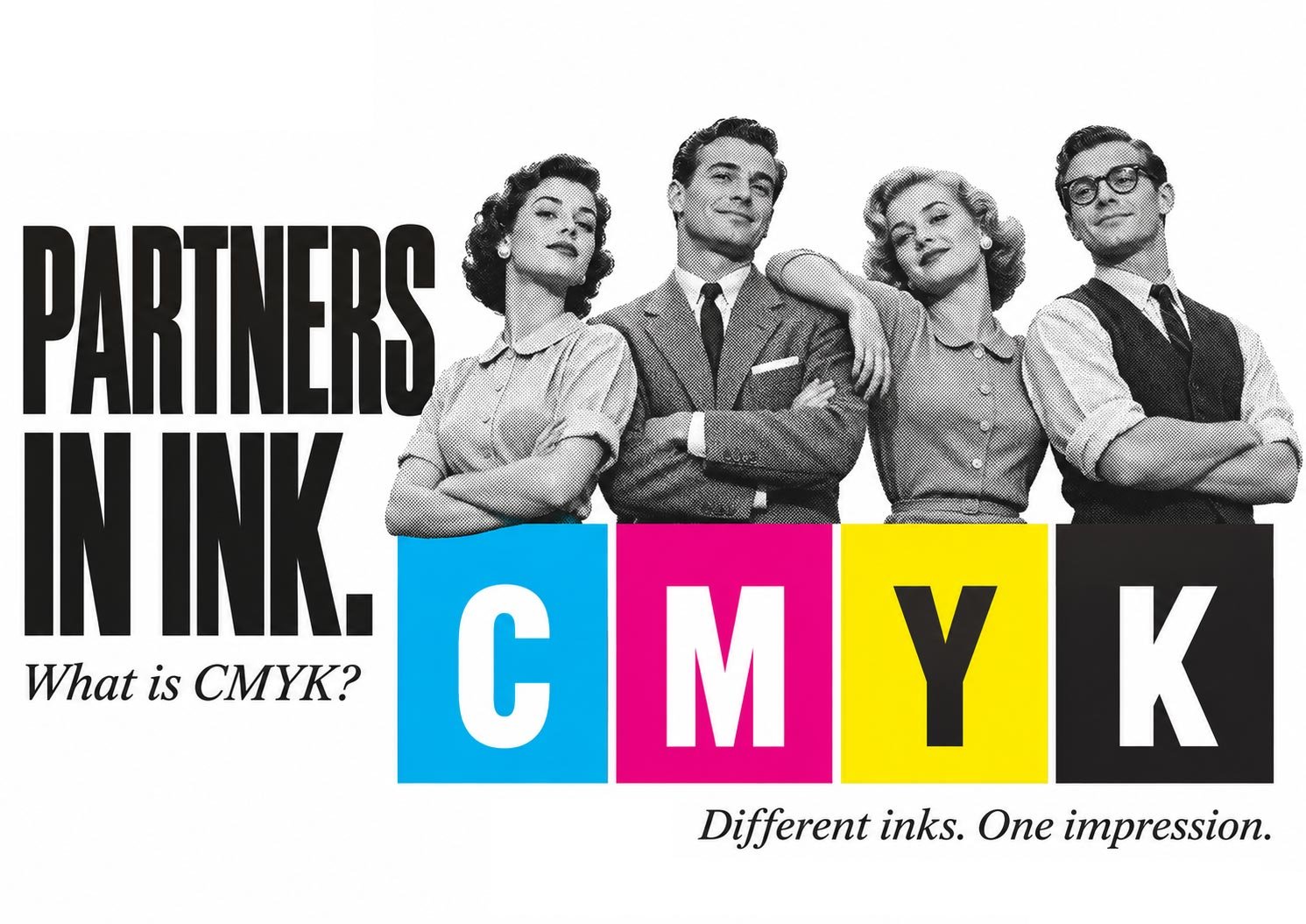
What is CMYK?
GLAD YOU ASKED
Q&A
A. Four inks — Cyan, Magenta, Yellow and Black — working together to create full-colour prints.
B. A support group for colours that looked better on screen.
C. The reason your fluorescent green is suddenly having an identity crisis.
What is CMYK?
A. Four inks — Cyan, Magenta, Yellow and Black — working together to create full-colour prints.
B. A support group for colours that looked better on screen.
C. The reason your fluorescent green is suddenly having an identity crisis.
Ever designed something that looked absolutely brilliant on screen, only to discover the printed version looked a little… different?
Chances are, colour modes had something to do with it.
So, what exactly is CMYK?
CMYK stands for Cyan, Magenta, Yellow and Key (Black) — the four inks used in traditional full-colour printing.
These inks are combined in varying percentages to reproduce photographs, illustrations and colourful designs. Look closely at a printed image, and you may even see the tiny halftone dots that create the illusion of continuous colour.
Clever, isn’t it?
CMYK vs RGB — What’s the difference?
RGB (Red, Green and Blue) creates colour using light. It’s what your computer, phone and television use.
CMYK creates colour using ink.
Here’s the catch: RGB can display bright, vibrant colours that standard CMYK inks simply cannot reproduce.
That’s why your beautiful electric blue or luminous green might look considerably less exciting once printed.
Should everything be converted to CMYK?
Not necessarily!
It depends entirely on how your job will be printed.
Offset printing generally requires artwork prepared for a specific CMYK printing condition.
Digital printing is a little different. Some digital printers prefer RGB files because their colour-management software handles the conversion. Others specifically request CMYK.
Always check with your printer before preparing your final artwork. Never assume one colour mode suits every printing process.
Before you hit send…
A few simple checks can save a lot of frustration:
- Is your document set to the appropriate colour mode?
- Have you checked the colour modes of your placed images?
- Are you using the correct colour profiles and PDF export settings?
- Have you confirmed the printer’s artwork requirements?
Remember, setting your document to CMYK doesn’t automatically mean every imported image has been converted correctly.
The bottom line
Great printing starts with correctly prepared artwork.
Understanding CMYK, knowing your printing process and checking your files before production can make all the difference between a disappointing result and a beautifully finished job.
Not sure whether your artwork is print-ready?
At Print Affair, we take care of the technical details so your designs look their best in print.
Your Brand. Our Attention to Detail.